Articles in the artnoob category

Palettes for Pixel Art

Hello Dear Reader,

Today I’m going to briefly talk about palettes and share a nice resource where we can go for well-designed palettes.

What is a Palette?

A palette is the range or set of colours used in a particular composition.

No traditional artwork can use an infinite variety of colours. The artist is limited to certain pigments and uses various mixtures of these pigments to create the colours used in a particular painting. One can possibly mix uncountable number of colours using variation of colour, brightness, and whiteness. However artists end up using only a small subset of …
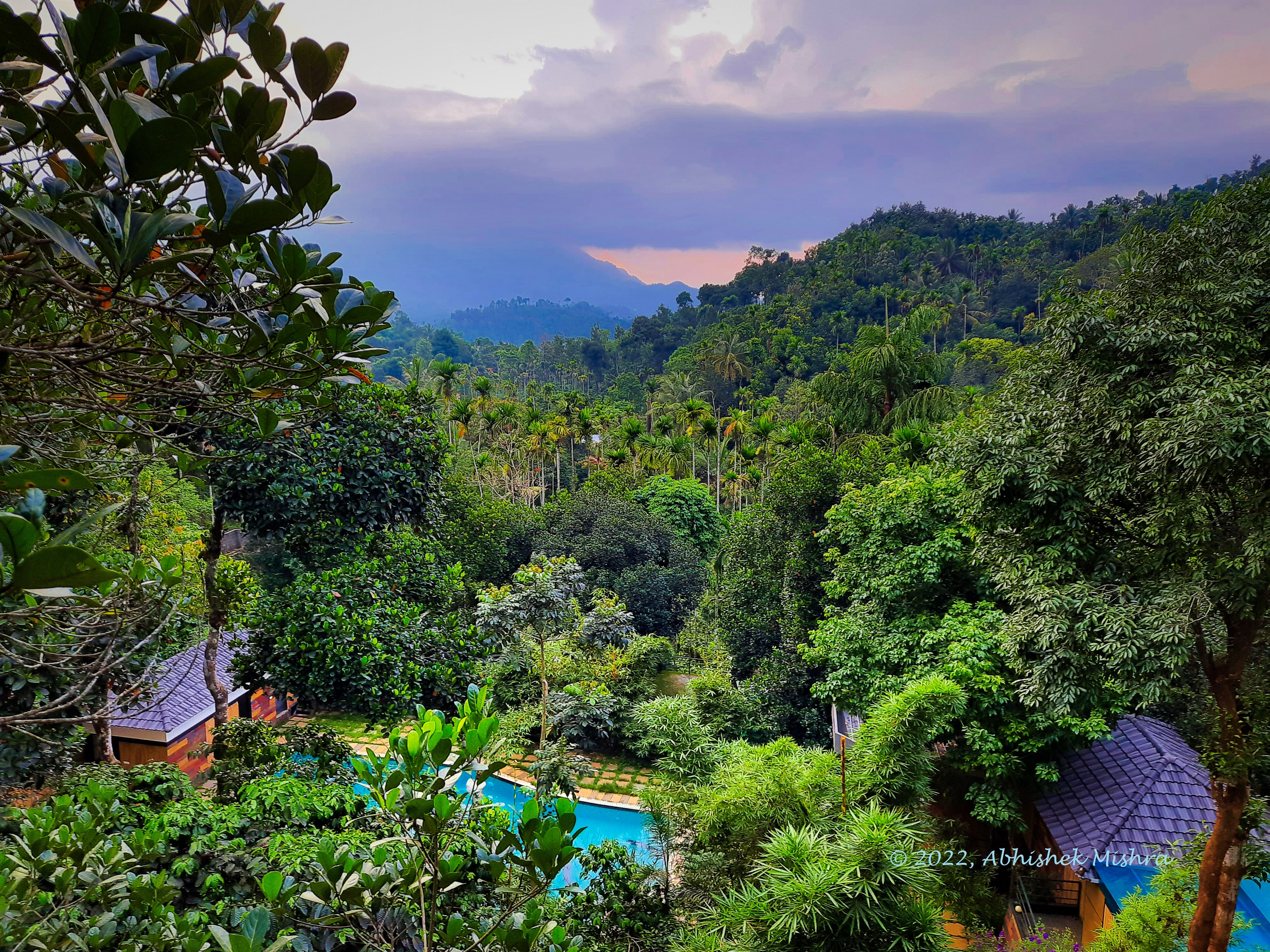
Sunset in Wayanad

We took a little family vacation to Wayanad, Kerala and Bandipur forest in Karnataka the last few days. I will write a detailed travel diary someday but here’s a photo of a sunset I took from a viewpoint in Wayanad.

Happy Arting,

Abhishek (art noob)

Hindi Bitmap Font

I’ve been working on creating a 10-bit bitmap font for Devanagari script - it is still work in progress, but here are the alphabets I’ve made so far. I plan to use these in my pixel art artwork - and games eventually.

It’s slow going because…

a) I’m doing it for the first time, and

b) One has to be careful with the use of every pixel.

But, I’m having fun doing it. Any feedback would be welcome!

Bye for now,

Abhishek (art noob)

1Bit Pixel Art Drawings

The last few days I’ve been doing these 1bit pixel art drawings - and have been really having fun. Based on a recommendation from an artist on youtube I started with 1-bit palette because it is simplest, and therefore good for practice.

What is 1-Bit Pixel Art?

Someone asked me this question and here’s my response… Every dot in the picture is one pixel in pixel art.

The number of colours available depends on how much storage we use for each pixel. If we use 8-bits - then we can use 256 colours (that is 2 to the power 8 …

Figure Drawing Practice Sketches

Hello Dear Reader,

Today I want to share a couple of sketches - that show my figure drawing practice. Here are the key steps:

  1. Use good reference - I prefer to find good quality photos on Pinterest

  2. Draw the skeletal structure/gesture first - with a thin, light coloured pen or pencil.

  3. Detailed Line Drawing (mostly outline) next - with a darker and thicker pen or pencil.

  4. Add values if needed - using some mid and dark tones, drawn with a brush pen.

  5. Don’t worry about finish/quality - these are for practice and should not take more than a few minutes.

Here are a …

The Design of Mazes

Dear Reader,

This post is about generative art using computer programs. I’ve always been fascinated by mazes and how to create new ones and solve them. I have developed my own library to do turtle graphics (which I might release soon). While testing this library I decided to write a program to draw a maze.

In the footnotes on the wikipedia article on mazes - I found this article in “Compute! Magazine Issue 019, pg 54”. It describes a succinct program to generate mazes - in MS BASIC and in a flowchart. And so I rewrote that program using my own …